User Testing
Comparing AI Features of the Best User Testing Tools: The Complete 2026 Guide
by
Chris
|
Aug 28, 2026

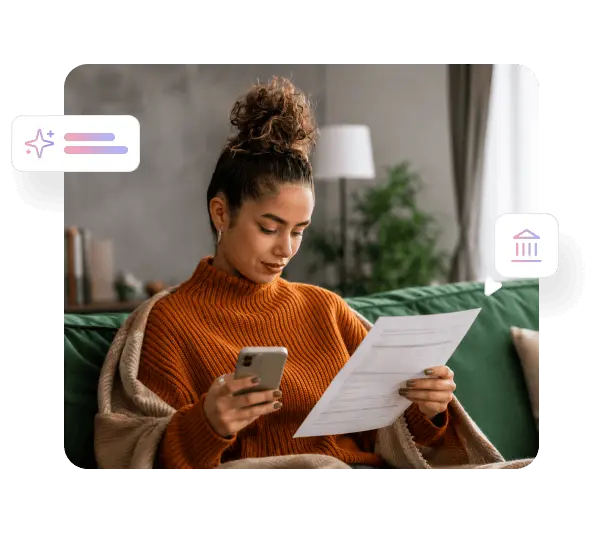

Digital government services only deliver value when citizens can successfully use them. TheySaid captures where your online forms create confusion, which navigation paths lead to dead ends, and what information citizens need before they feel confident enough to complete a transaction online, so you can fix the experience that is currently sending people to a service center or phone line instead.

Every call or in-person visit that originates from a confusing digital experience is an avoidable cost your service design created. Public sector usability testing identifies the specific tasks where citizens abandon your digital channel and seek assisted service instead, giving your team prioritized evidence to act on rather than call volume targets to reverse-engineer.

Government digital teams make product decisions without always having direct access to the citizens most affected by them. TheySaid gives your team real evidence from the full range of people who interact with your services, including those with lower digital literacy, older users, and citizens accessing services under stress or time pressure.


E-government usability testing before a public-facing service launches catches the usability problems that generate complaints, media attention, and expensive reactive fixes after launch. TheySaid lets you test with real members of the public before release so you catch barriers while they are still inexpensive to address.

Government services must work for everyone: older citizens, people with low digital confidence, users on older devices, and those accessing services for the first time under difficult circumstances. Government website usability testing across the full range of your audience reveals where design assumptions about user capability are creating real access barriers.


Watch real citizens complete benefit applications, permit requests, license renewals, and registration forms. AI captures where terminology is unclear to non-specialist users, which required fields create confusion, and where the process fails to communicate progress clearly enough to keep people moving forward.

See how citizens find information, locate the right service, and understand their eligibility and next steps. Government digital services testing at this level reveals whether your information architecture reflects how citizens think about their needs rather than how your agency is organized internally.

Understand whether citizens can create accounts, manage their information, track applications, and access their records without assistance. AI captures where account management flows create friction, which verification steps feel disproportionate, and where error messages fail to give citizens a clear path to resolution.

Test your digital services with users who represent the full range of your audience including older users, people with lower digital confidence, and those using assistive technologies. Citizen experience testing across diverse user groups reveals accessibility barriers that standard compliance checks alone do not catch.

Validate proposed service redesigns with real citizens before committing to full development. AI moderates sessions that reveal whether the new design resolves the problems the redesign was intended to fix, whether new issues have been introduced, and whether the service now works for the audience segments it was designed to reach.





Both. Share test links directly with citizens through your website, email communications, or digital service prompts. Or recruit from TheySaid's panel with targeting by age, digital literacy level, geographic region, and demographic profile to reach the specific segments of the public your service is designed for, including harder-to-reach groups.
TheySaid captures where real users with varying levels of digital confidence encounter friction, confusion, or failure in your services. Voice-enabled sessions are particularly valuable for users who find typing challenging. Government UX research with diverse participant groups surfaces accessibility barriers in the actual experience rather than in isolation from the tasks citizens are trying to complete.
Yes. Share test links with citizens who already have account access, or provide test credentials as part of the session setup for recruited participants. TheySaid works with any browser-accessible service portal, application form, or citizen-facing tool.
Most government digital teams see meaningful patterns within 24 to 48 hours of launching a test. Running research four to six weeks before a planned launch gives your team enough time to act on findings, make changes, and retest before the service goes live to the full public.
Yes. Run separate test plans for different demographic groups completing the same tasks and compare how the service performs across age groups, digital confidence levels, and first-time versus returning users. Public sector user feedback across segments often reveals that services designed with one type of user in mind create significant barriers for others.
TheySaid identifies the specific points in your digital service where citizens abandon the online channel and seek assisted service instead. AI surfaces what citizens were trying to accomplish, where the process broke down, and what change would have allowed them to complete the task independently, giving your service design team evidence to act on.
Discover expert insights, company news, and practical tips to help you turn feedback into action.
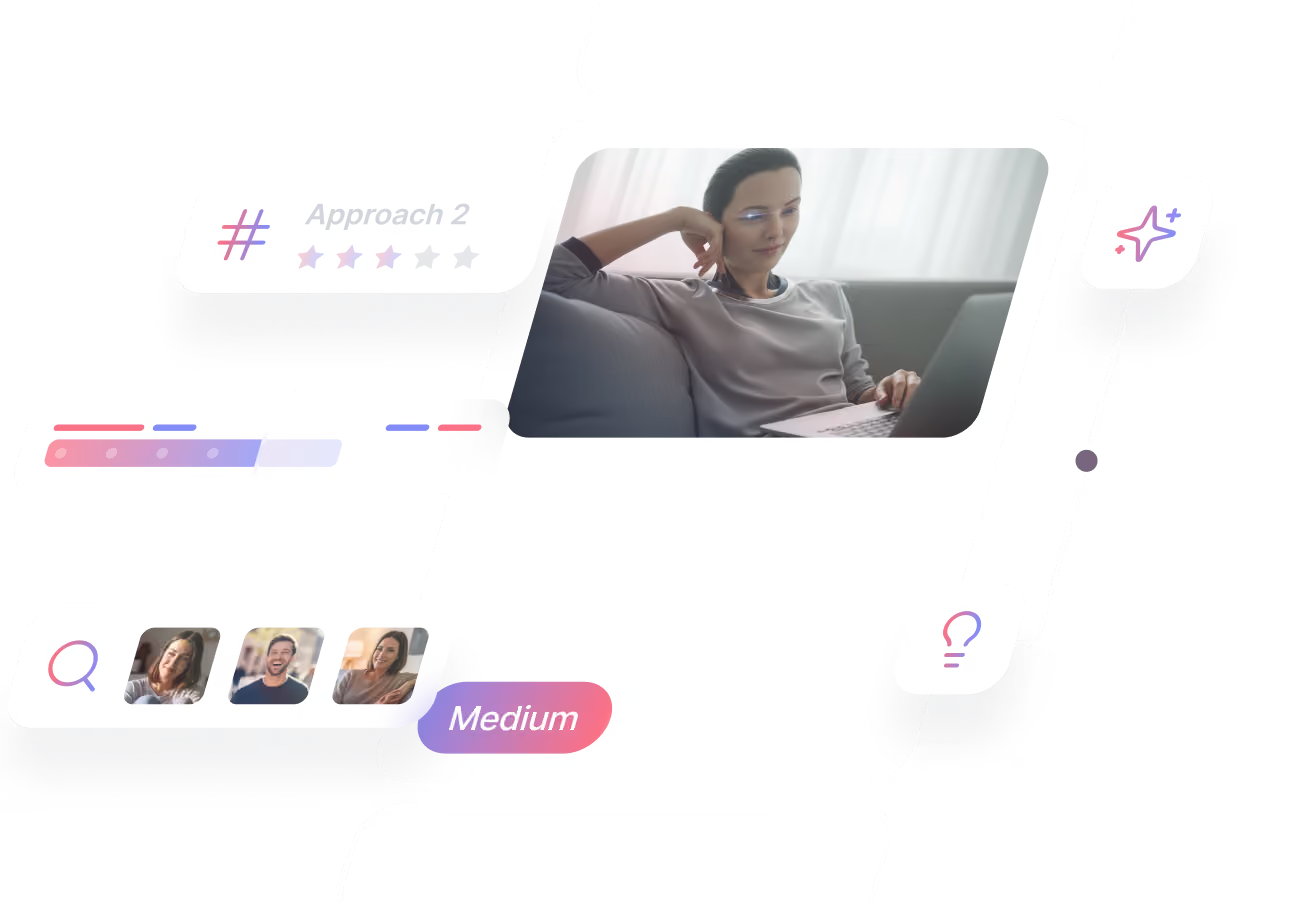

TheySaid User testing recommends questions, delivers via your existing channels, engages your audience,and summarizes results through AI user testing, surveys, and interviews.
.svg)