
Turn user test recordings into moments that move people to act

How It Works
User test sessions are recorded in full, capturing screen and voice across every task. Clips & Highlight Reels gives you the tools to extract what matters and share it in a way that actually gets watched.

Creating a Clip
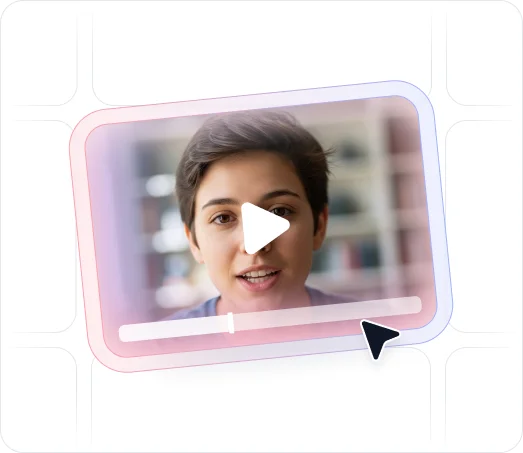
Open any completed user test recording in the video player. Click the clip button in the bottom right corner. Two sliders will appear. Drag them to set your start and end point within the recording. Give the clip a title and description, then click save. The clip is added to your clips library, where you can toggle sharing on or off at any time.

Creating a Highlight Reel
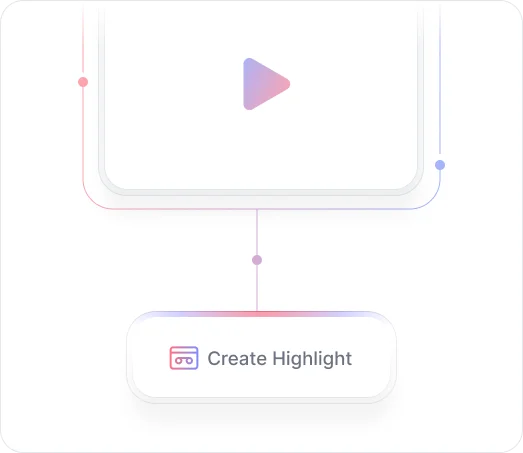
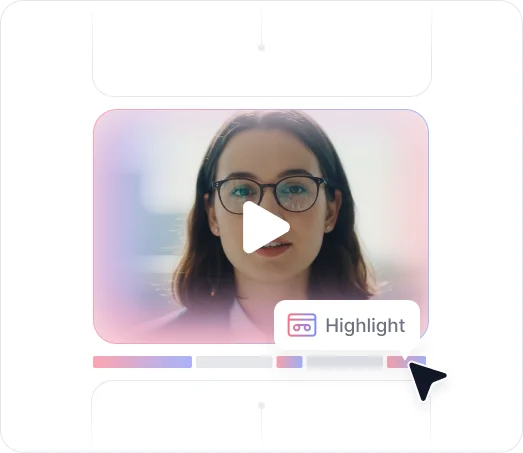
Once you have clips saved, click Create Highlight Reel. A timeline editor opens at the bottom of the page. Drag and drop your clips onto the timeline in the order you want them to play. Give the reel a name and save. When someone opens your reel, they'll see each clip play through in sequence: clip one, clip two, clip three, with the title and description you wrote for each one.

Finding Clips in Analytics
The new Analytics page for user testing also surfaces clips directly within theme breakdowns. Click into any theme and you'll see the individual moments in the recording where that issue occurred, so you can jump straight to the evidence without scrubbing through the full video.
Key Benefits
Discover what you can do with Clips & Highlight Reels.

Share What Matters Without Sharing Everything
User test recordings run 10 to 20 minutes. Most of that time, your stakeholders don't need to watch. Clips let you pull out the 30-second moment where a user got confused, missed a button, or said something revealing, and share just that, with context.

Make Problems Impossible to Ignore
One clip showing a user struggling is easy to dismiss. Three or four clips of different users hitting the same wall is hard to argue with. Highlight reels let you stack evidence from multiple sessions into a single shareable video that tells a clear story.

Stay Organized With a Centralized Clips Library
Every clip you create lives in your Clips library, accessible from the main navigation. You can toggle sharing on or off for any clip, build new reels from existing clips, and keep a running record of the most important moments from every session you've run.

Get Findings In Front of Decision-Makers Fast
Research that stays in a dashboard doesn't drive change. When stakeholders and management can see real users hitting real problems, it's a lot harder to deprioritize a fix. Clips give your findings a format that travels: across teams, up the org chart, and into the conversations where decisions actually get made.

Give Every Clip the Context It Needs
Each clip carries a title and description you write when you create it. When someone watches a reel, they're not just seeing a moment in a recording. They're seeing what you want them to take away from it. That context is what turns a video clip into a finding.
Ready to get problems in front of decision-makers?
See what customers say about our AI user testing platform





FAQs
Clips & Highlight Reels is specific to AI User Testing. Because user tests capture screen and voice recordings, they're the project type that produces the video content you clip from. Other project types like AI Surveys and AI Interviews use separate analysis tools.
Open a completed user test in the video player and click the clip button in the bottom right corner. Use the left and right sliders to set your start and end point. Add a title and description, then save. The clip will appear in your Clips library.
A highlight reel is a collection of clips played back in sequence. Once you've saved a few clips, click Create Highlight Reel, drag your clips onto the timeline editor in the order you want, give the reel a name, and save. Anyone you share it with will see the clips play through one after another.
Yes. Each clip in your library has a sharing toggle you can turn on or off. You control which clips are shareable at any given time.
All saved clips are stored in the Clips section, accessible from the main navigation in your workspace. From there you can manage existing clips, create new reels, and review everything you've captured across your user testing projects.
A common pattern is to clip 3 or 4 moments showing the same problem across different sessions, then combine them into a highlight reel and share it with a product lead or executive. Seeing multiple real users run into the same issue in their own words is far more persuasive than a written summary. It's the kind of evidence that gets problems prioritized.
Clips & Highlight Reels is a coming soon feature. Contact our team or join the waitlist to be notified when it launches.
From recording to
decision in minutes.
Clip the moments that matter, combine them into a highlight reel, and share findings that actually move people to act. No written report required.


TheySaid User testing recommends questions, delivers via your existing channels, engages your audience,and summarizes results through AI user testing, surveys, and interviews.
.svg)


