
Feedback that adapts to every answer
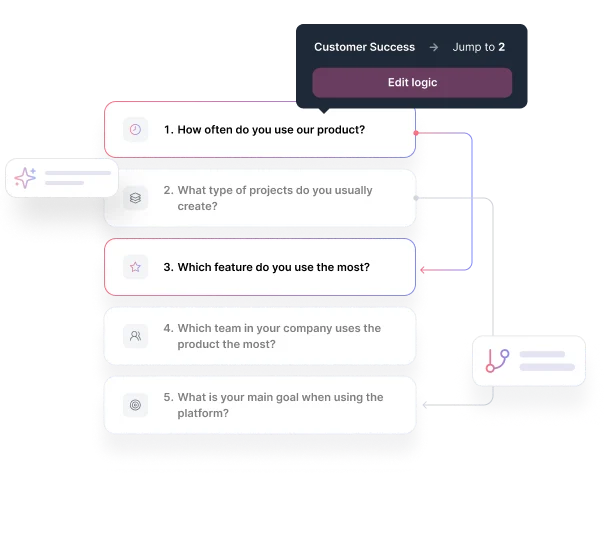
How It Works
Add branching logic to any project in three simple steps.

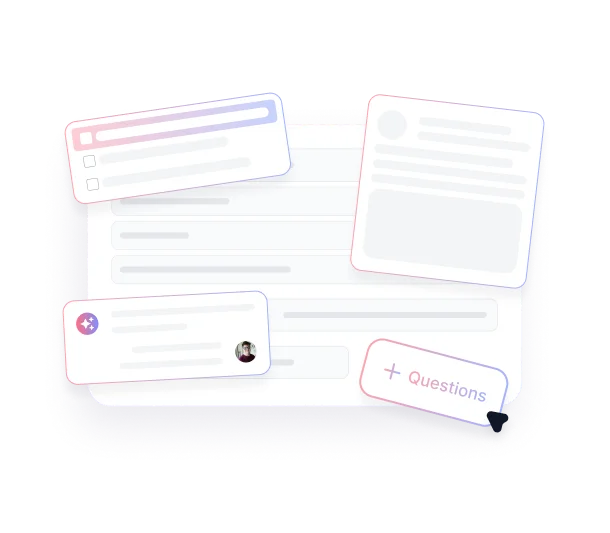
Add Your Questions
Create your questions normally across any project type — AI Interviews, AI Forms, AI Polls, or AI User Tests. Build your baseline flow before adding conditional logic.

Set Up Branching Rules
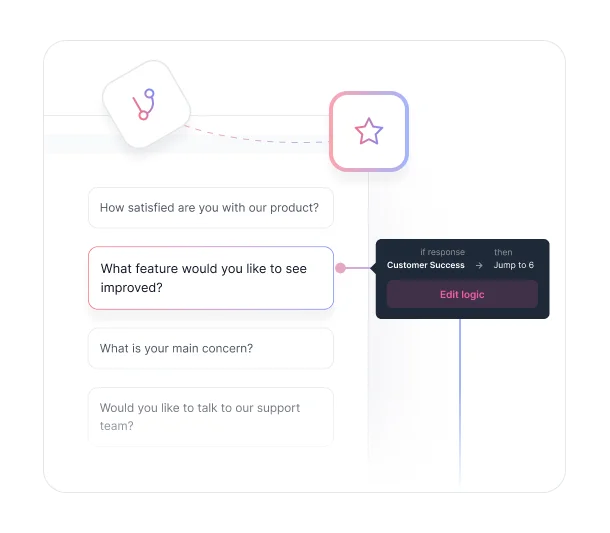
Click the "Branch" tab on your project page, then click any question to add rules. Use simple if-then logic: "If user selects 'pricing concerns,' skip to pricing questions" or "If satisfaction score is low, end with a feedback prompt."

Configure Each Rule's Behavior
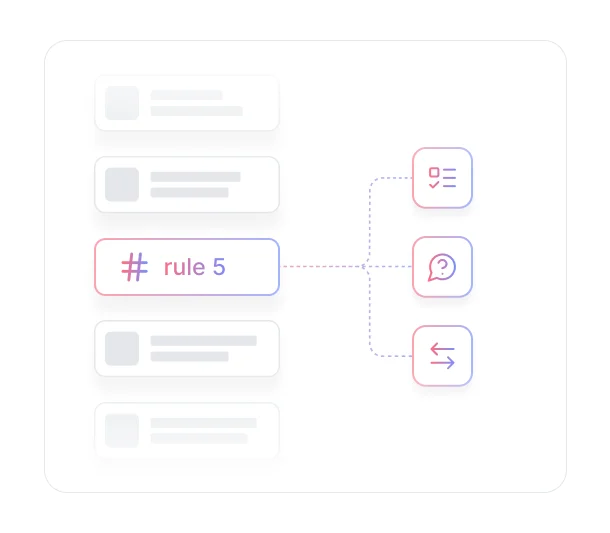
For each rule, configure three settings: which answer triggers the rule, whether AI asks follow-up questions, and where to send participants next. Add multiple rules per question to handle different response combinations with logic-based flow.
Key Benefits
Discover what you can do with conditional logic in TheySaid.

Skip the Irrelevant Questions.
Route participants through questions that apply to their situation. Skip irrelevant sections automatically while gathering comprehensive data from each segment through personalized paths that eliminate unnecessary friction.
.avif)
Reduce Length Without Losing Insights
Participants see fewer questions but provide more valuable responses because every question matches their context. Branching logic maintains thorough data collection while cutting completion time for better response rates.
.avif)
Route Participants to Specific Outcomes
Send detractors to support pages, promoters to referral forms, and prospects to sales materials. Conditional logic connects directly to business outcomes by matching participant sentiment and needs to the right next step.
.avif)
Build Complex Logic Without Technical Skills
Create sophisticated multi-path flows using simple if-then rules anyone can configure. The conditional logic builder lets you design experiences that typically require custom development or expensive enterprise tools.
Ready to stop showing everyone the same questions?
See what customers say about our AI user testing platform





FAQs
You can create multiple rules per question with different outcomes for each response option. Conditional logic supports unlimited branching paths, custom redirects, and personalized messaging based on any combination of participant responses.
Yes. Custom redirect options let you send participants to specific landing pages, support portals, pricing information, or any external URL based on their responses. Each branch can have a different redirect destination.
No. The conditional logic interface uses simple if-then rules that anyone can configure. Select the question, choose the answer option, and specify where participants should go next. No coding or technical expertise required.
Yes. Branching logic and AI-powered follow-ups work together. Participants might skip certain sections based on logic rules while still receiving intelligent follow-up questions in the sections they do encounter.
TheySaid automatically detects affected rules and resets them to default state. You'll see a warning prompting you to verify your logic before publishing, ensuring your branching logic stays accurate through changes.
All question types except open-ended questions support branching logic. You can add conditional rules to rating, ranking, and multiple choice questions across any project type including AI Interviews, AI Forms, AI Polls, and AI User Tests.
Every answer deserves a different path.
Build branching logic that skips irrelevant questions, routes participants to the right outcomes, and adapts to every response. No programming required.


TheySaid User testing recommends questions, delivers via your existing channels, engages your audience,and summarizes results through AI user testing, surveys, and interviews.
.svg)


