TL;DR
Most product teams test too late, after design is done, after code is written, sometimes even after launch. By then, fixing problems costs 10x more than catching them early. This guide breaks down 10 user testing types and shows you exactly when to use each one. High-performing teams combine multiple user testing methods across the product lifecycle to make faster, more confident decisions.
Have you ever launched a product or new feature only to watch adoption stall, engagement drop, or conversion rates fall off the projection?
Your team followed a solid roadmap. The design looked polished. Everything seemed ready for success, but it didn’t work out the way you expected.
It’s not that your team didn’t work hard. It’s that users don’t experience products the way teams imagine they do.
So, what’s the solution?
User testing. And most importantly, running the right type of user tests at the right stage of product development.
In this guide, we'll break down the most essential user testing types and show you exactly which method to use at each stage of development so you stop wasting time on tests that don't answer your actual questions.
4 Different User Testing Formats and How They Work
Before getting into specific user testing methods, it’s important to understand that user tests can be organized into different formats. The formats directly influence the type of feedback you gather and the decisions you can make based on it.
Formats are not testing methods themselves; they define how user testing is conducted and influence the type of insights you gain. For example, usability testing can be moderated (with a researcher guiding participants) or unmoderated (users complete tasks alone). It can be qualitative (focused on why users struggle) or quantitative (measuring how many users fail). Remote or in-person. Exploratory or comparative.
Qualitative vs. Quantitative User Testing
User testing data is typically collected in two forms: qualitative and quantitative.
Qualitative user testing is a behavioral research method that offers descriptive insights such as user experience, motivations, expectations, and why something is happening. This format is especially valuable during early product discovery, design exploration, and usability evaluation, when teams need deeper insight rather than statistical validation.
Quantitative user testing provides numerical data and performance metrics, such as success and error rates, and supports comparisons between variations. This type of testing helps understand what users are doing at scale and whether a product or feature is performing as expected. It is commonly used during validation, optimization, and post-launch phases where teams need measurable data to make winning decisions.
Note: The most reliable product insights come from combining both approaches, allowing teams to balance behavioral understanding with measurable performance data.
Moderated vs Unmoderated User Testing
Some user tests involve direct researcher guidance, while others allow users to complete tasks independently.
Moderated User testing involves a moderator or facilitator who guides participants through a set of tasks in real time. The moderator can ask follow-up questions, classify instructions, and probe deeper into the user experience as they interact with the product.
Unmoderated User testing allows participants to complete tasks without a moderator’s presence. These tests are usually conducted remotely via online user testing platforms that record user interactions, screen activity, and feedback.
Moderated and unmoderated user testing each play a different role. Moderated research offers richer behavioral context, while unmoderated testing enables faster, scalable feedback and practical validation of usability performance.
For a deeper comparison of both formats and how to choose between them, read our full guide on moderated vs unmoderated usability testing.
Remote vs In-Person User Testing
Remote user testing allows participants to complete test tasks from anywhere using their own device (via video call) or unmoderated (recorded through a usability testing platform). It is typically more cost-effective and flexible than in-person research.
In-person user testing takes place in controlled environments such as research labs, coworking spaces, and offices, where researchers can observe detailed user interactions, body language, and contextual behavior in real time. Although in-person testing can provide richer observational insight, it usually requires more planning, time, and resources.
Exploratory vs Comparative User Testing
Exploratory user tests are commonly used in the early stages of product development to understand user needs better, discover potential new features, and identify market gaps. This format often relies on open-ended tasks, behavioral observations, and qualitative feedback to guide product direction.
Comparative User Testing involves asking users to choose between two or more product solutions to determine which one performs better. You might compare design variations, workflows, or alternative content approaches. Users complete the same tasks with each version, and you measure which one leads to better outcomes.
Now that we’ve covered the different user testing formats, let's move on to the most common user testing types that product and design teams use to ship reliably, ship smarter, reduce usability issues, and build experiences that actually match how users think and behave.
The 10 Most Common User Testing Types Explained
Which User Testing Method Do You Need?
Quick Answer:
Building something new? Concept testing and user interviews
Have a prototype? Prototype testing and usability testing
Live product underperforming? A/B testing and usability testing
Navigation confusing? Tree testing and card sorting
Need to understand why users struggle? Moderated usability testing
Here’s a full breakdown of 10 user testing types:
1. Usability Testing
Usability testing is one of the most widely used types of user testing because it reveals whether users can navigate a product without confusion or frustration.
In usability testing, participants complete specific tasks such as finding information, making a purchase, or updating settings while researchers observe their interactions. This method identifies where users encounter difficulties, what causes confusion, and where the user experience breaks down. Usability testing can be conducted on live websites, mobile apps, prototypes, or even competitor products.
Common techniques used in usability testing:
- Think-aloud protocol: Participants verbalize their thoughts while completing tasks, revealing their decision-making process and expectations
- Task-based testing: Users complete realistic scenarios while researchers measure completion rates and time spent
- First-click testing: Tracks initial clicks to evaluate whether navigation and information architecture are intuitive
When to Use Usability Testing
Use usability testing when you want to see how real users interact with your product and identify friction points in navigation, design, or task completion. It’s especially valuable before launch or after updates to ensure your product is intuitive and user-friendly.
Nielsen Norman Group research found that testing with just 5 users uncovers 85% of usability problems. You don't need a massive budget; you need the right approach.

2. Concept Testing
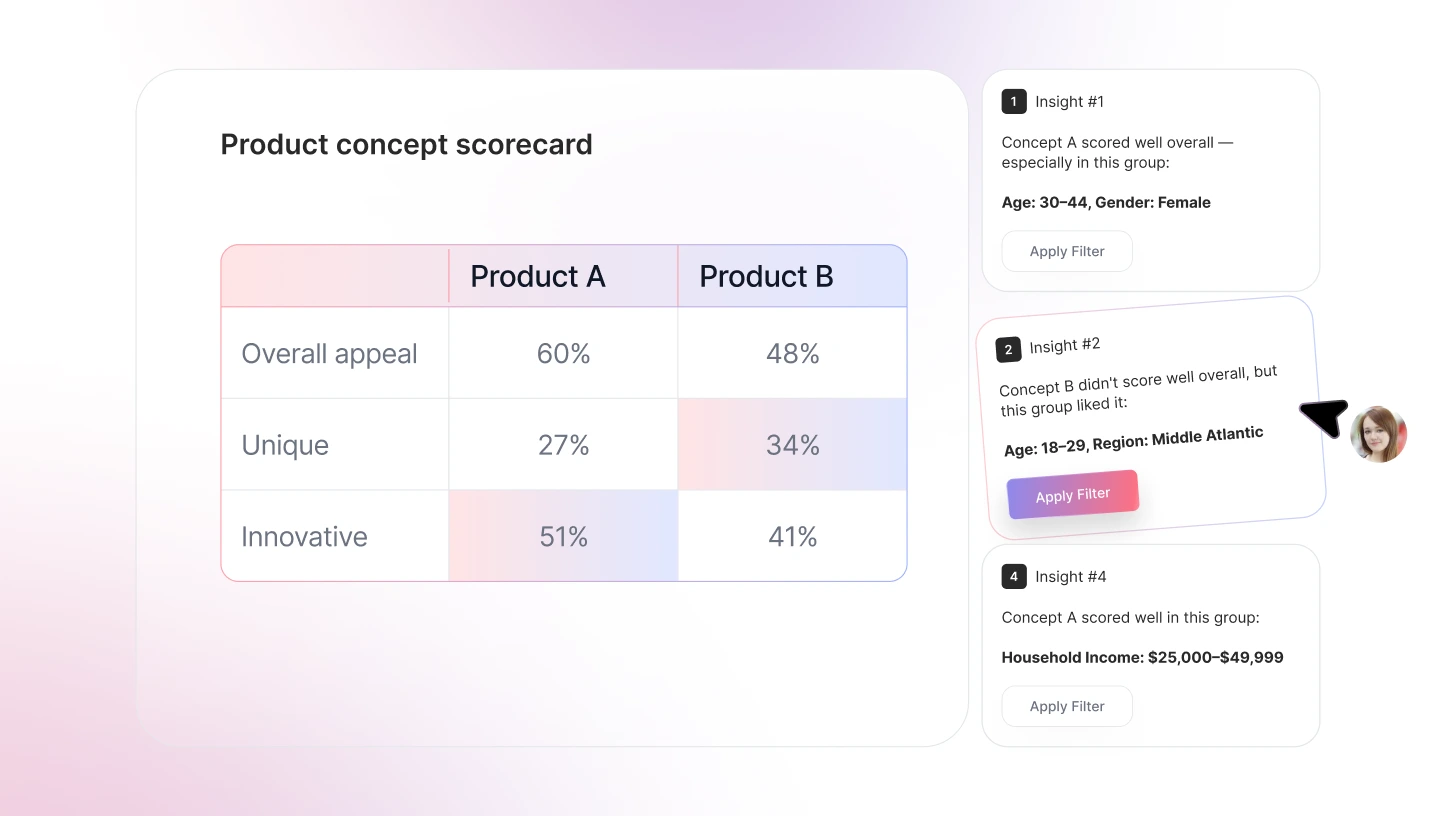
Concept testing is a type of user testing that involves getting feedback from users to evaluate early product ideas before bringing them to market. Instead of testing a working interface, teams present users with descriptions, sketches, wireframes, or basic prototypes to understand how people react to the underlying idea.
The goal is to simply answer one fundamental question :
“Is this worth building, and do users understand its value?”
Participants review the concepts and share their thoughts, helping teams choose which concept to pursue. It reduces the risk of building features that users don’t need, don’t understand, or wouldn’t use. Since it happens at the earliest stage of development, it’s the most cost-effective form of user testing.
When to Use Concept Testing
Concept testing is most effective when teams need to: Validate product or feature ideas early, test assumptions before design or development, reduce the risk of building the wrong solution, and prioritize ideas based on user feedback.
3. Prototype Testing
Once the concept of the product is finalized, a prototype is made, and prototype testing is used to validate the design before product development actually starts.
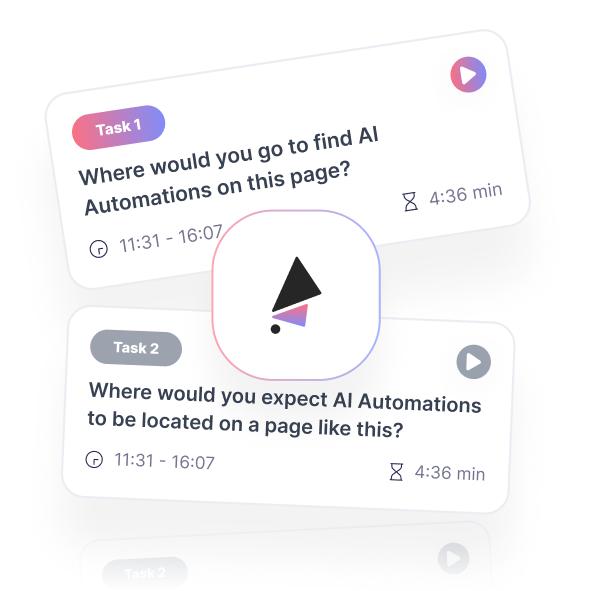
Participants are given real tasks, such as completing a flow or finding specific information, while researchers gather insights on user experience, usability, and accessibility. The prototype does not have to be fully functional at this stage, but it should have basic functionality to test what you want to learn. You can test manually in person or by using prototype testing software.
Before investing in a higher-fidelity MVP (minimum viable product), test your prototype with real users using TheySaid to gather fast, AI-powered feedback. Sign up and start validating your designs today.
Before investing in a higher-fidelity MVP (minimum viable product),
test your prototype with real users using TheySaid to gather fast, AI-powered feedback.
Sign up and start validating your designs today.
Get Started Now
When to Use Prototyping Testing
Use prototyping testing when you have to validate user flows and navigation structure, identify usability challenges before coding starts, and compare multiple design variations.

“I used to build first, test later. Now I test prototypes before writing any code. Saves me weeks of rework every time.”

4. A/B Testing
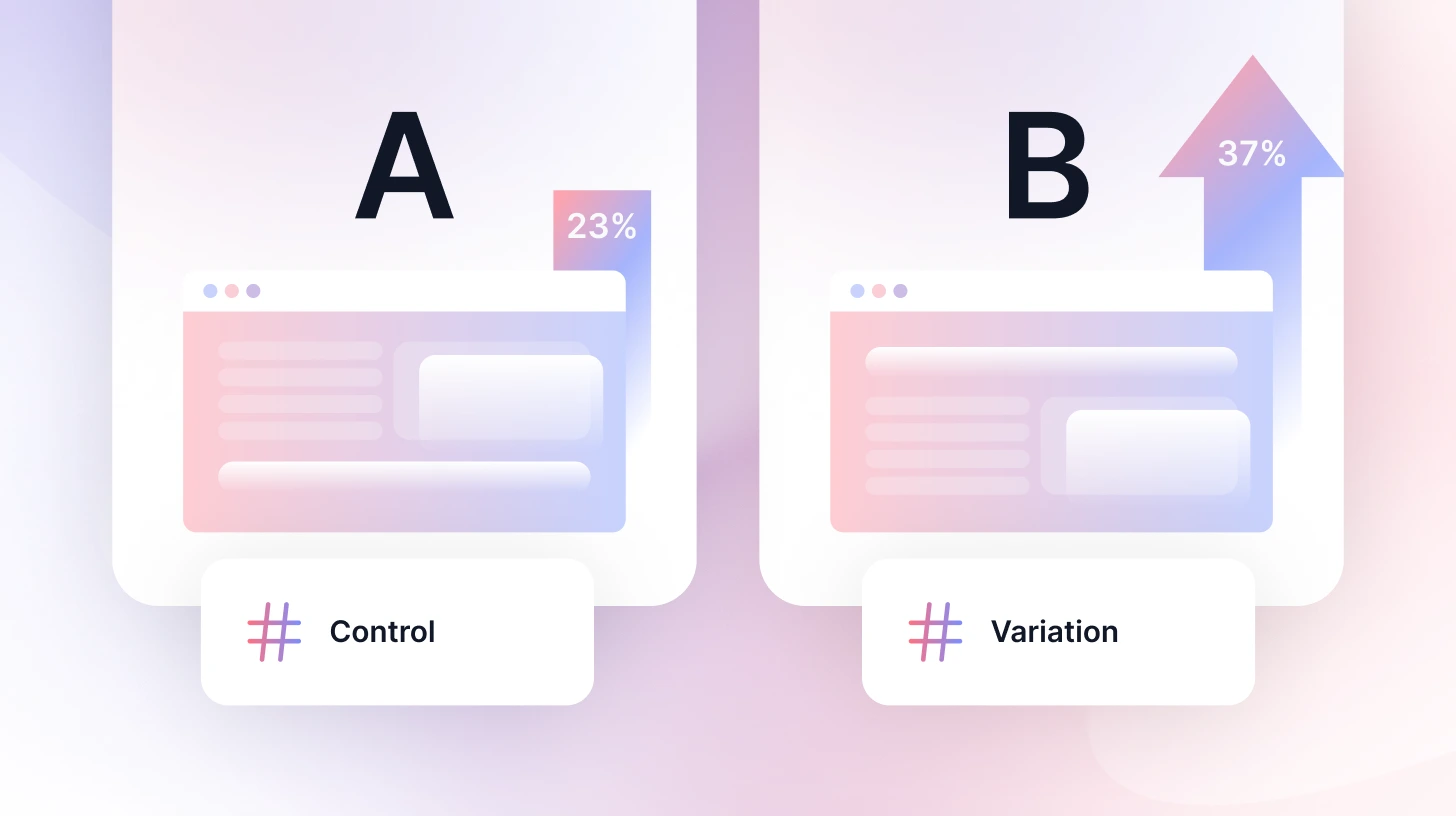
A/B testing (also called split testing) is a user testing method in which users are presented with two versions of a design, feature, or experience to observe which one performs better. Instead of relying on gut feelings and experiences, it helps businesses make decisions based on real user behaviour and measurable data.
In an A/B test, users are split between two versions of a page, A and B, and teams then measure performance using metrics such as conversion rate, click-through rate, engagement, or task completion.
When to use A/B testing
A/B testing is most commonly used during post-launch optimization and product performance improvement stages, when live user traffic is available for testing.
Forrester Research found that a well-designed interface can boost conversion rates by up to 200%, and UX improvements can increase conversions by up to 400%. A/B testing is how you find those winning variations.
Wondering when to run A/B testing vs usability testing? Here's a full comparison to help you decide.
5. Preference Testing
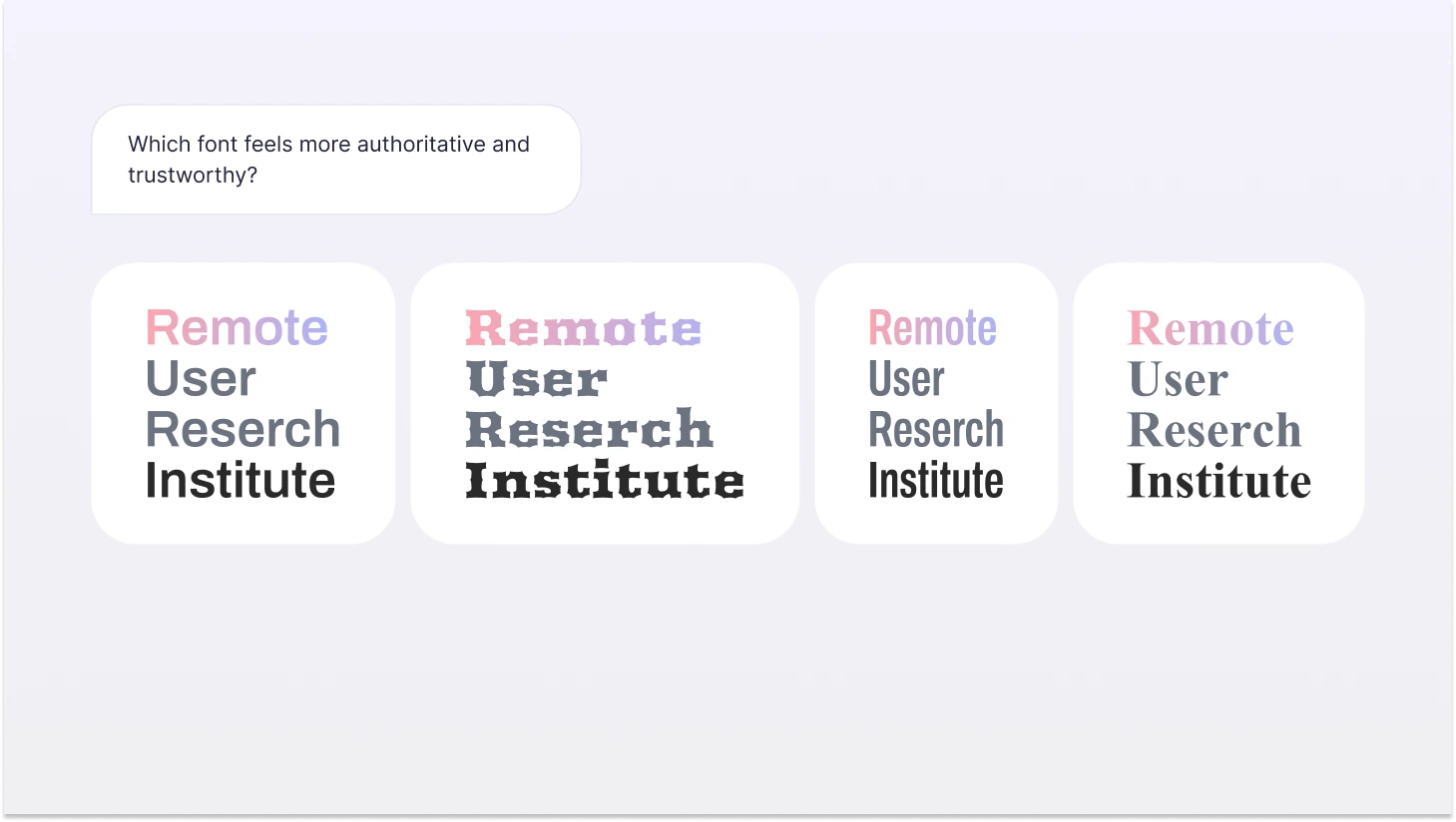
Preference testing, also known as desirable testing, is a user testing method used to determine which design, concept, or variation is preferred. Multiple variations are shown to participants, and they are asked for their opinions on visual direction, layout styles, branding elements, and feature presentation.
It helps teams understand emotional responses, clarity, and perceived usability across both aesthetic and professional preferences.
When to use Preference testing
Preference testing is used to compare interface designs or layout variations, evaluate visual design elements such as color schemes, typography, and branding, and select among multiple UI or UX design options.
“I tested our checkout against competitors. Turns out, we had more steps than everyone else. Fixed it, conversions jumped 23%.”

6. Competitive Usability Testing
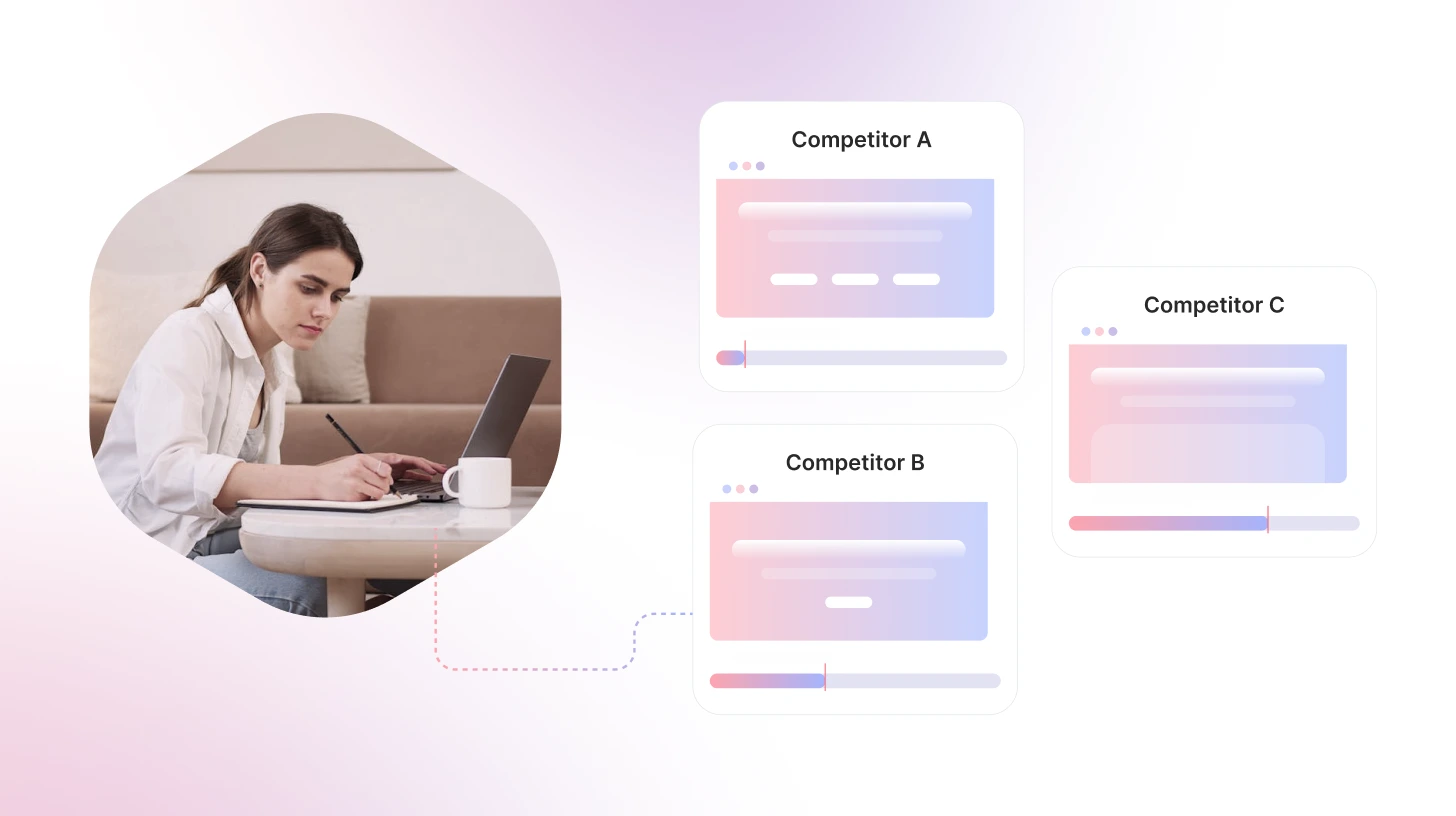
Competitive usability testing is used to understand how your product experience compares to alternatives users already know. Instead of evaluating usability in isolation, this method places your product alongside competitors to see how easily users can complete similar tasks across different platforms.
Participants are asked to perform comparable activities such as signing up, locating information, or completing a transaction on multiple products. This helps teams see where their experience stands in the broader market and how user expectations, shaped by other products, influence behavior.
When to use Preference testing
Use Preference testing when launching a new product, entering a competitive market, or before a major redesign to identify current weaknesses.
7. Card Sorting
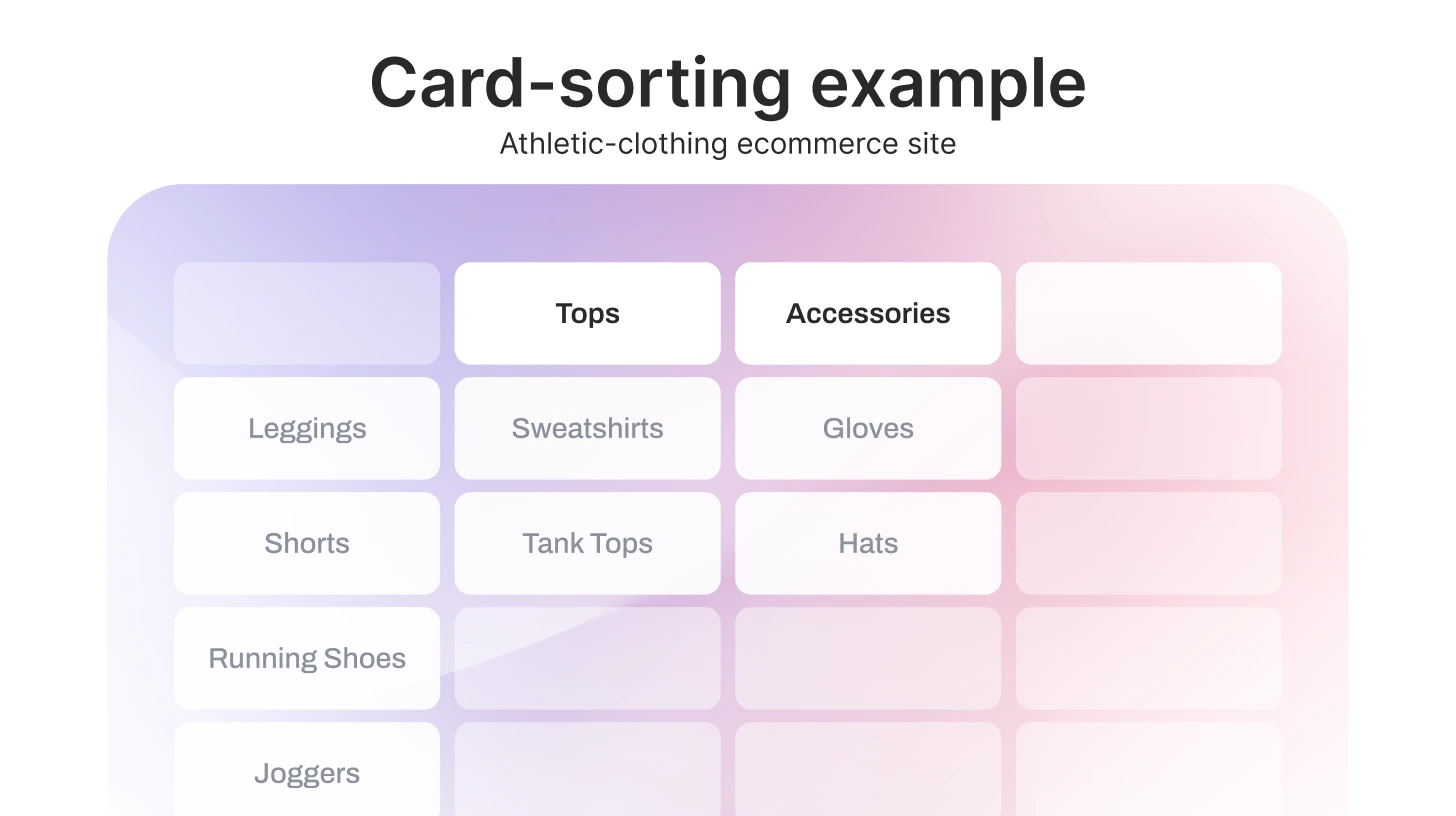
Card sorting is a qualitative research method used to understand how people naturally organize information. It is used when designing or improving website navigation or menus, and content structure.
Participants are provided with content items or a set of topics and asked to organize them into a format that makes the most sense to them. This reveals how people understand concepts and how they expect information to be structured, rather than how teams assume it should be organized.
When to use Card Sorting
Use card sorting when designing or improving website navigation and menu structures, or organizing product categories or content groupings.
8. Tree Testing
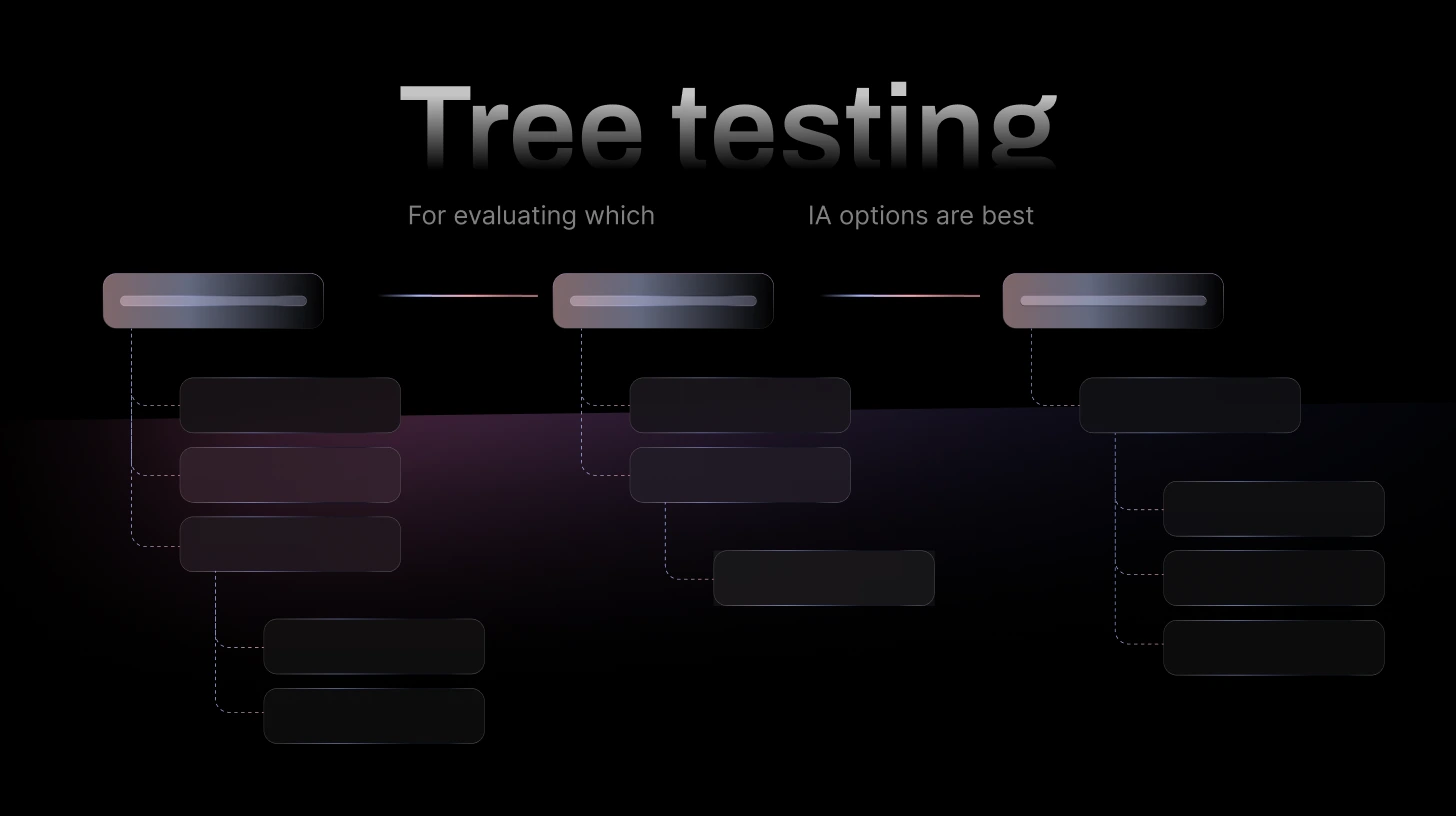
Tree testing, also known as reverse card sorting, helps understand where users get lost while navigating your website. This type of user testing focuses on menu hierarchy, labeling clarity, and content organization, excluding visual design elements.
Participants are given tasks such as finding a specific piece of information or locating a feature, and they must navigate a simplified, text-only version of the site structure.
When to Use Tree Testing
Use tree testing to validate the navigation structure after card sorting or before launching a new menu or information architecture.
9. One-to-one Interviews
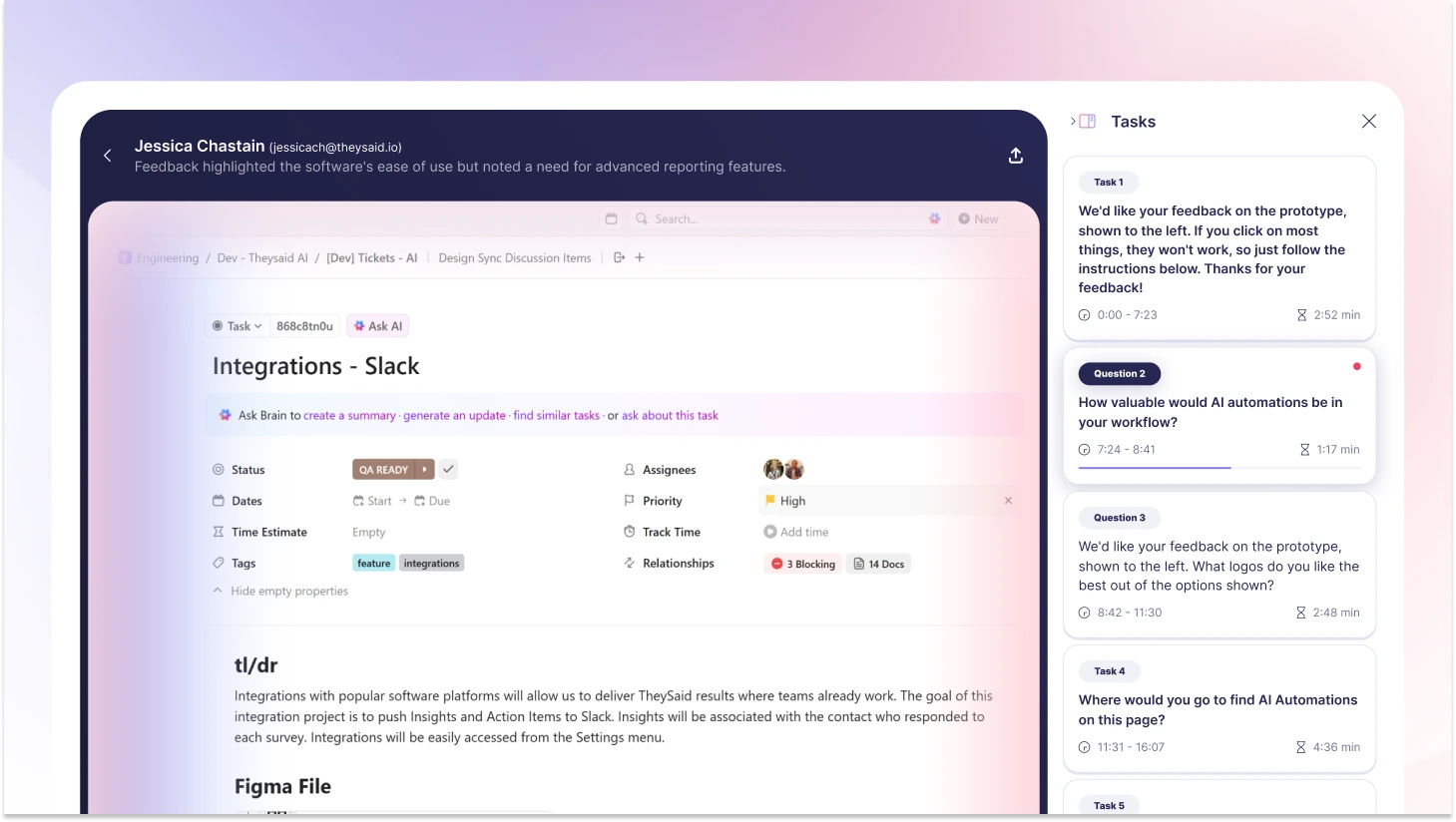
One-to-one interviews are live, 30- to 60-minute conversations in which a moderator or interviewer asks questions about how participants use products, the challenges they face, and what motivates their decisions. Because the discussion is private, participants often share more detailed and honest feedback.
One-to-one interviews are particularly useful when teams need a deeper understanding of user journeys, decision-making processes, and unmet needs.
When to use One-to-one interviews
Use one-to-one interviews when you need detailed insight into individual user experiences, motivations, or challenges.
Not sure what to ask in these sessions? Here are 30+ user testing questions and a funnel framework to guide your interviews.
10. Surveys
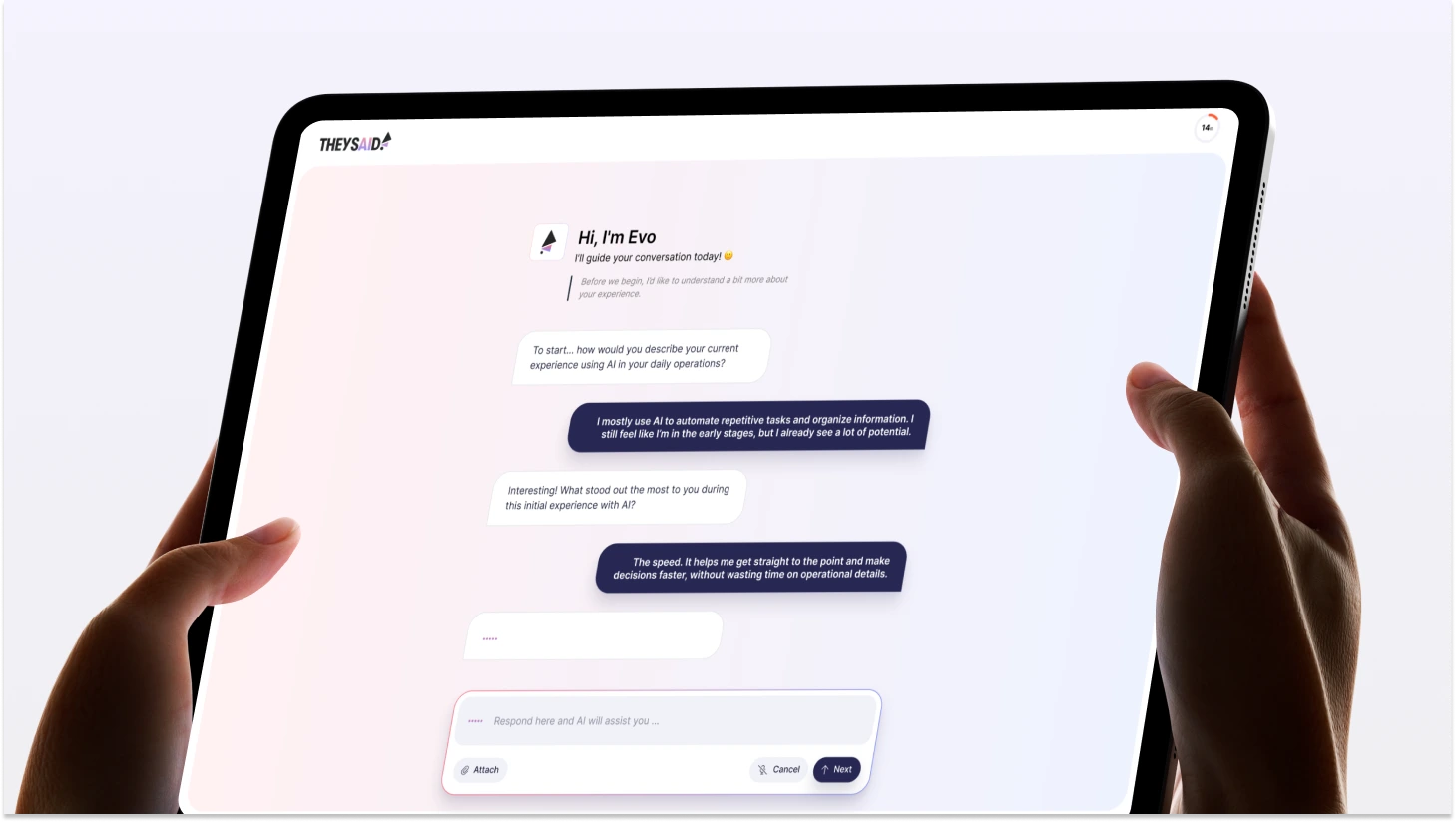
Surveys are a user research method used to collect structured feedback from a large number of users. Participants respond to a set of predefined questions, which may include multiple choice, rating scales, or open-ended responses. Surveys are commonly used to validate trends identified in qualitative research or to measure sentiment across broader audiences.
Because they can reach many users quickly, surveys are useful for identifying patterns, tracking changes over time, and supporting data-informed product decisions.
When to use surveys
Use surveys when you need feedback from a large audience, want to measure satisfaction or perceptions, or need to validate insights discovered through interviews or usability testing.
Once you know which type fits your stage, here's the step-by-step user testing process to run it properly.
Ship Faster with AI User Testing That Actually Fits Your Timeline
Understanding which user testing method to use is just the first step. The real challenge? Running tests quickly enough to keep up with your product development cycle.
That's where TheySaid comes in.
TheySaid is an AI user testing platform that helps product teams validate designs and gather actionable feedback in hours, not weeks. Whether you're running usability tests, prototype testing, or preference tests, TheySaid streamlines the entire process from participant recruitment to insight analysis.
How TheySaid Works:
1. Tell us what to test. Upload your website, prototype, or app. TheySaid's AI learns your product and automatically creates a professional test plan with tasks, questions, and follow-ups.
2. Get real users (or use your own): Recruit from our tester panel filtered by demographics, job role, and company size, or invite your own customers and users.
3. AI moderates the session: While users complete tasks, AI acts like a live researcher, asking follow-up questions, probing for confusion, and uncovering the "why" behind behavior. Everything is recorded: screen, voice, hesitations, and friction points.
4. Get insights automatically: TheySaid's AI analyzes all sessions, groups similar problems, detects patterns, and extracts video clips of key moments. You get:
- Where users struggle (with timestamps)
- Why they struggle (with video proof)
- What to fix (with AI recommendations)
- Highlight reels to share with stakeholders
Ready to Test?
Stop guessing what users want. Start your first user test with TheySaid for free!
FAQs
What are the different types of user testing?
The most widely used types of user testing include:
- Usability Testing
- Concept Testing
- Prototype Testing
- A/B Testing
- Preference Testing
- Competitive Usability Testing
- Card Sorting
- Tree Testing
- One-to-One User Interviews
- Surveys
Each type focuses on a different research goal, such as improving usability, validating ideas, comparing product variations, or collecting user feedback.
What are the main types of user testing for mobile apps?
Mobile app testing often focuses on evaluating usability, performance, and cross-device experience. Common testing types include:
- Usability Testing for mobile navigation and interaction
- Prototype Testing for app design validation
- A/B Testing for onboarding and feature optimization
- Surveys and Interviews for user feedback
- Real-world usage testing across devices and environments
What types of user testing methods are best for SaaS products?
SaaS products benefit from continuous user testing throughout the customer lifecycle. Common testing methods include:
- Usability Testing to improve onboarding and workflow efficiency
- A/B Testing to optimize conversion, retention, and engagement
- User Interviews to understand customer needs and feature adoption
- Surveys to measure customer satisfaction and product experience
- Competitive Testing to evaluate market positioning
When should user testing be conducted?
User testing should be conducted throughout the product lifecycle, including discovery, design, development, launch, and post-launch optimization stages.
What is the difference between usability testing and user testing?
User testing is a broad category that includes multiple testing types, while usability testing specifically focuses on evaluating ease of use, navigation clarity, and task completion efficiency.
When should you run user tests?
Early and often. Test during ideation (concept testing), design (prototype testing), development (usability testing), and post-launch (A/B testing). Testing early catches problems when they cost $100 to fix instead of $10,000.
Should you test with your actual users or recruit participants?
Both. Test with existing users to optimize current experiences and validate assumptions. Recruit new participants when you need unbiased feedback, are testing early concepts, or want to reach specific demographics you don't have access to yet.
How much does user testing cost?
Costs vary widely: DIY unmoderated testing ($0-500), moderated usability testing ($2,000-5,000 for 5-8 participants), comprehensive research studies ($10,000-30,000+), and ongoing A/B testing (variable based on tools). The real question isn't "Can we afford testing?" but "Can we afford NOT to test?" Catching one major usability flaw before launch pays for months of testing.
“The type of data you collect will depend a lot on the goal and hypothesis of your test. When you know what you want to test and you identify the goals of your test, you will know what type of data you need to collect.”