User testing hasn't fundamentally changed in the last 20 years. You recruit participants, run sessions, watch recordings, synthesize notes, and write a report. Then you move on to the next sprint and wait another quarter to learn something new.
AI in user testing just changed everything.
Not by making the old model faster. By replacing the model entirely. In 2026, the teams doing the best research aren't doing more research; they're doing different research. Faster, lighter, always connected to decisions that are still in flight.
This guide covers everything: how AI actually works in user testing, when to use it (and when not to), what synthetic users can and can't do, how much it costs, the bias risks nobody talks about, and the best tools available today.
New to the concept entirely? Start with our guide What Is AI User Testing and How Does It Work? for the full foundation. Then come back here.
What is AI in user testing?
AI in user testing means applying machine learning, natural language processing, and automation to how you plan, run, and analyze usability research.
In plain terms, instead of spending three days manually reading interview transcripts and coding themes, AI does the 5 pass in minutes. Instead of running five moderated sessions, which is all your budget allows, AI-powered unmoderated testing lets you hear from 50 people in the same timeframe. Instead of testing quarterly because monthly is operationally impossible, AI makes continuous research viable.
It doesn't replace the research process. It accelerates the parts that were eating your time, so you can spend more energy on the part that actually matters: deciding what to do with what you learned.
How does AI actually work in user testing?
There are four places where AI shows up in a typical research workflow. Understanding each one separately matters because the right tool for analysis is not the same as the right tool for moderation.
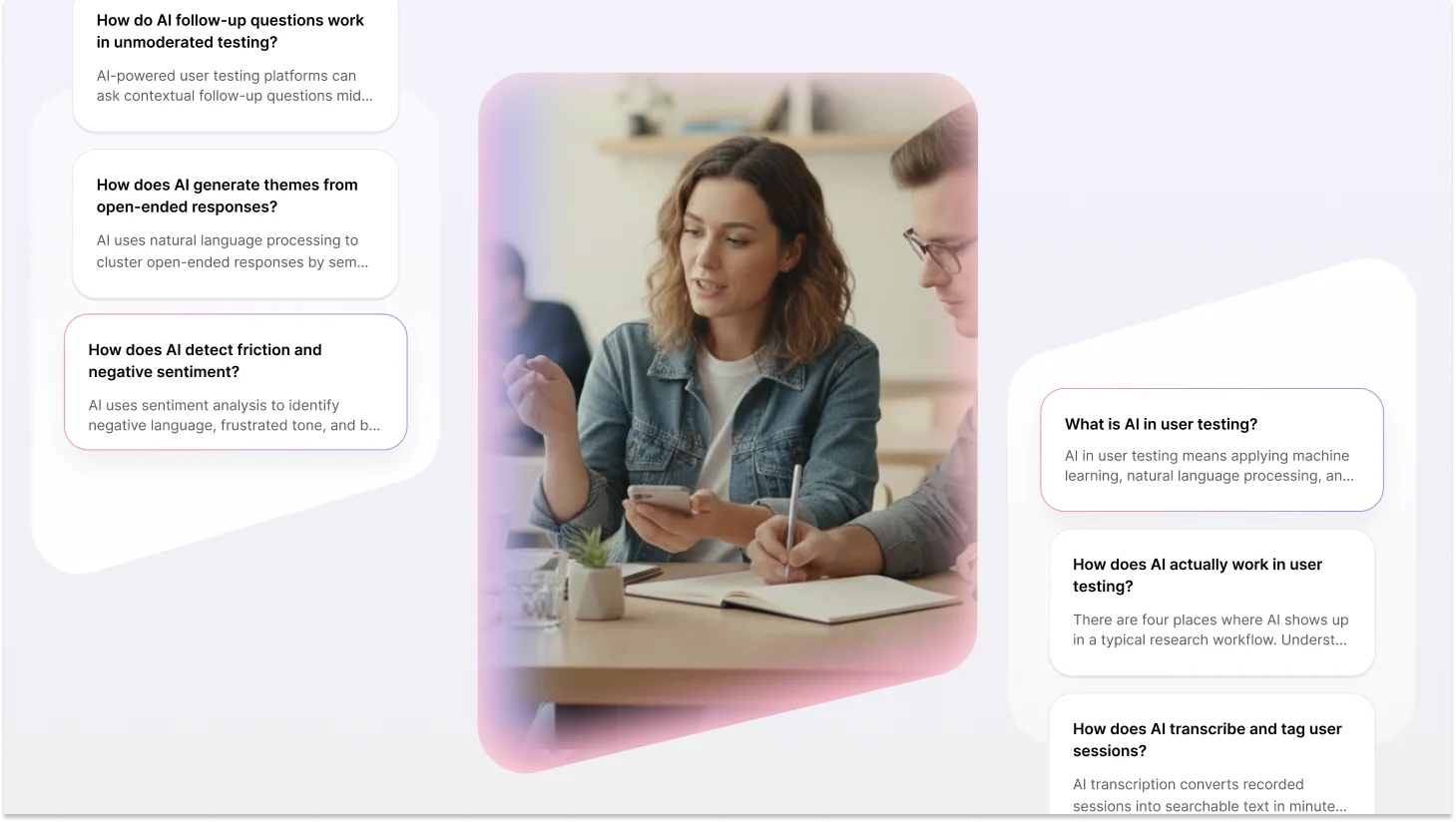
How does AI transcribe and tag user sessions?
AI transcription converts recorded sessions into searchable text in minutes, then automatically tags moments by topic, emotion, or behavior.
Instead of rewatching a 45-minute recording looking for the moment someone got confused about your checkout flow, you jump straight to it. AI flags hesitations, re-reads, abandoned clicks, and verbal cues like "wait, where is..." all without a human reviewer watching frame by frame.
The more sophisticated tools go beyond transcription into smart tagging, flagging usability issues, surfacing moments of friction, and even clustering similar moments across multiple sessions. What used to take an afternoon now takes minutes. Researchers who've made the switch often say they wish they'd done it years earlier. It's genuinely that useful.
How does AI detect friction and negative sentiment?
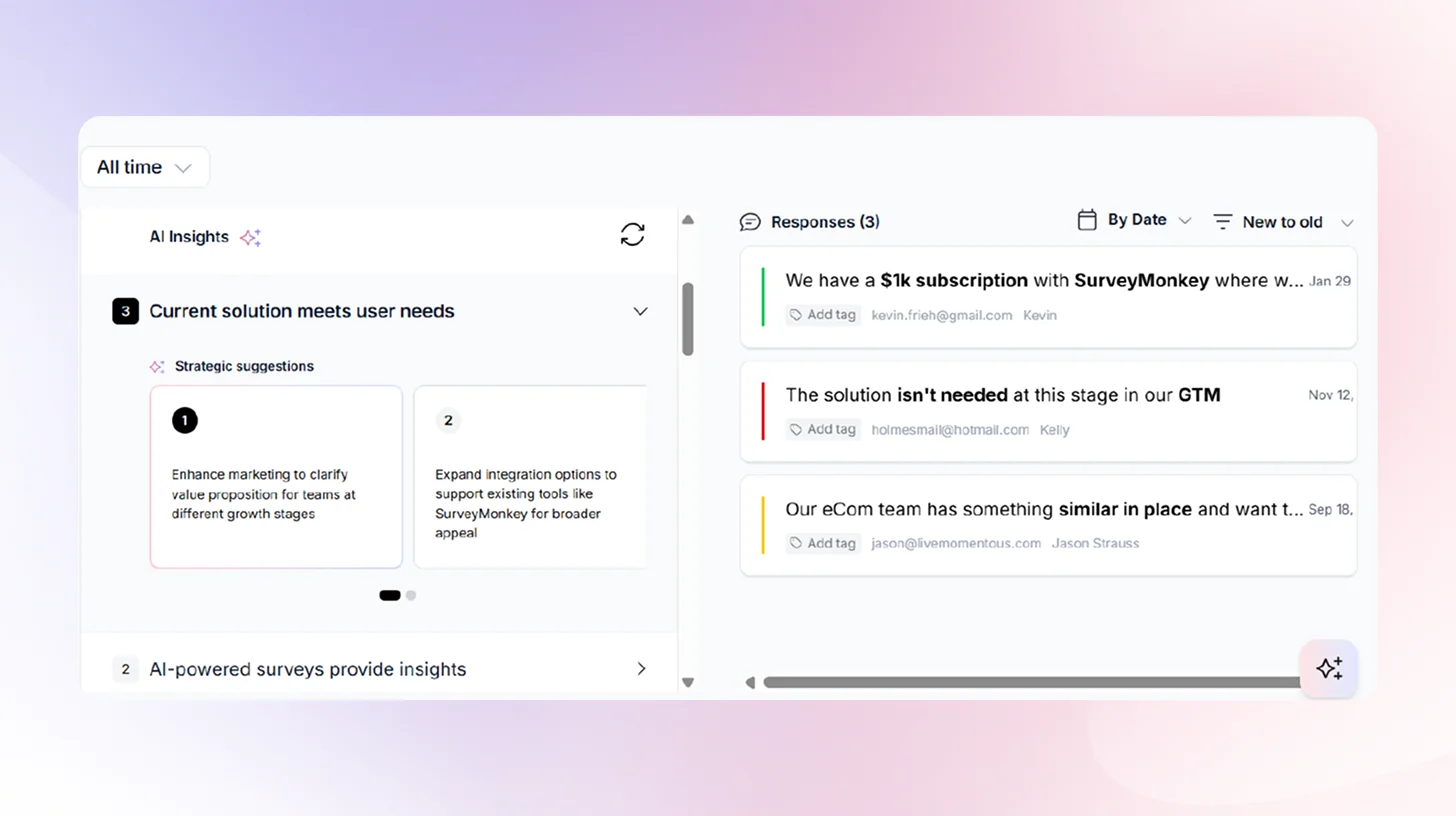
AI uses sentiment analysis to identify negative language, frustrated tone, and behavioral signals that correlate with friction, then surfaces them with timestamps and session clips. More advanced systems layer behavioral data (mouse movement, scroll depth, rage clicks, backtracking) with verbal data from recordings. The result: instead of a researcher noting "participants seemed confused by the navigation" after watching 10 sessions, the AI shows you exactly where and why, with evidence attached.One thing to keep in mind: AI sentiment analysis is very good at detecting explicit frustration. It's less reliable with subtle frustration, the participant who sounds polite but is clearly struggling. Always read the flagged moments in context, not just the label the AI applied.
How does AI generate themes from open-ended responses?
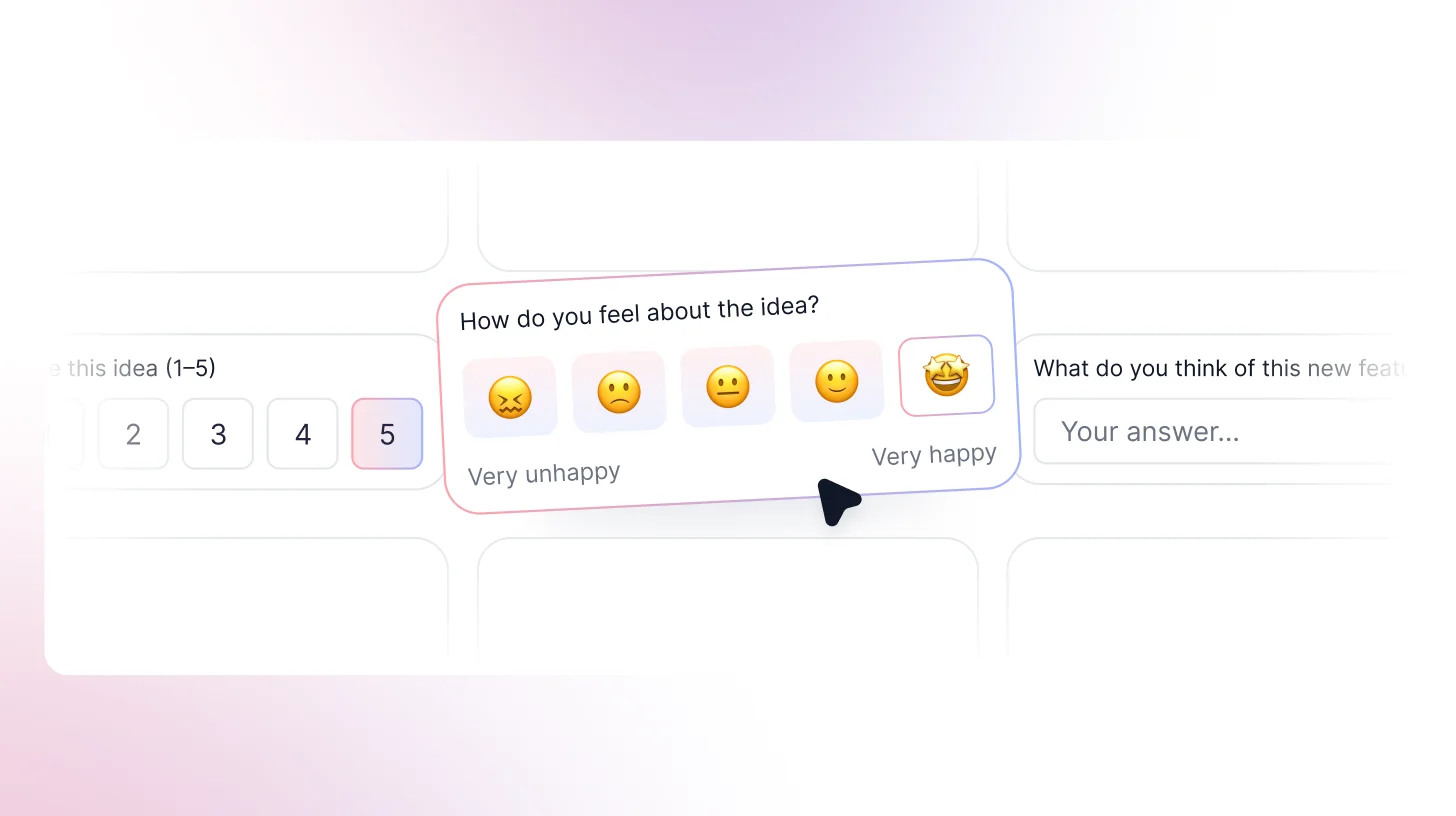
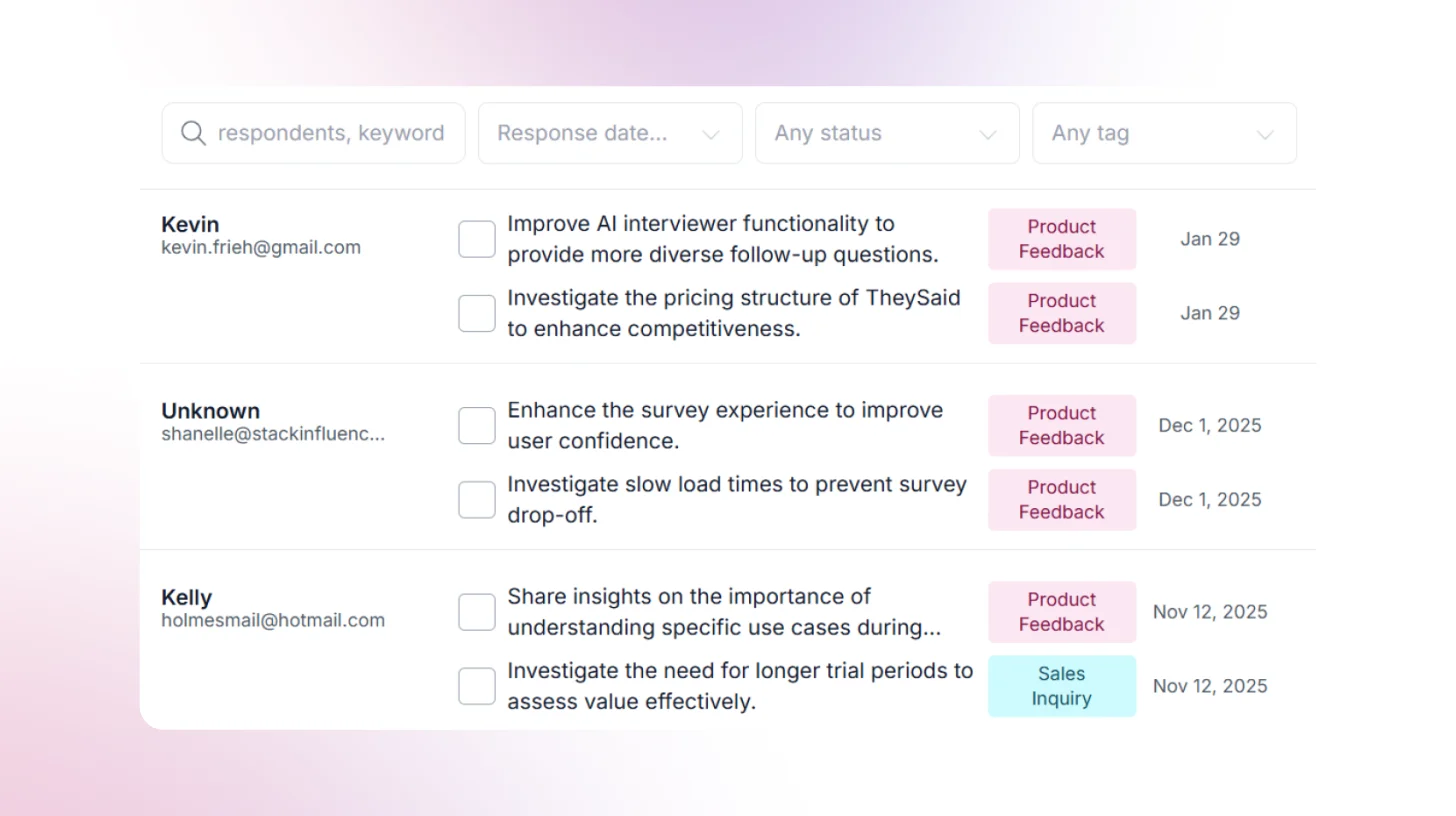
AI uses natural language processing to cluster open-ended responses by semantic similarity, rank themes by frequency and sentiment, and surface patterns across hundreds of responses at once.
This is where AI earns its keep most obviously. When you ask 200 users, "What's the most confusing part of this experience?" and need to synthesize it before tomorrow's stakeholder meeting, AI theme clustering is the difference between "I looked at a sample" and "I analyzed everything.
The important caveat, and this matters, is that AI themes are a starting point, not a finding. A researcher still needs to read a sample of responses in each cluster to validate the grouping. AI is very good at finding what's common. It's not good at finding what's important. The rare response that appears in 3 out of 200 sessions might be the most strategically significant thing in your dataset. AI won't surface it. You have to.
How do AI follow-up questions work in unmoderated testing?
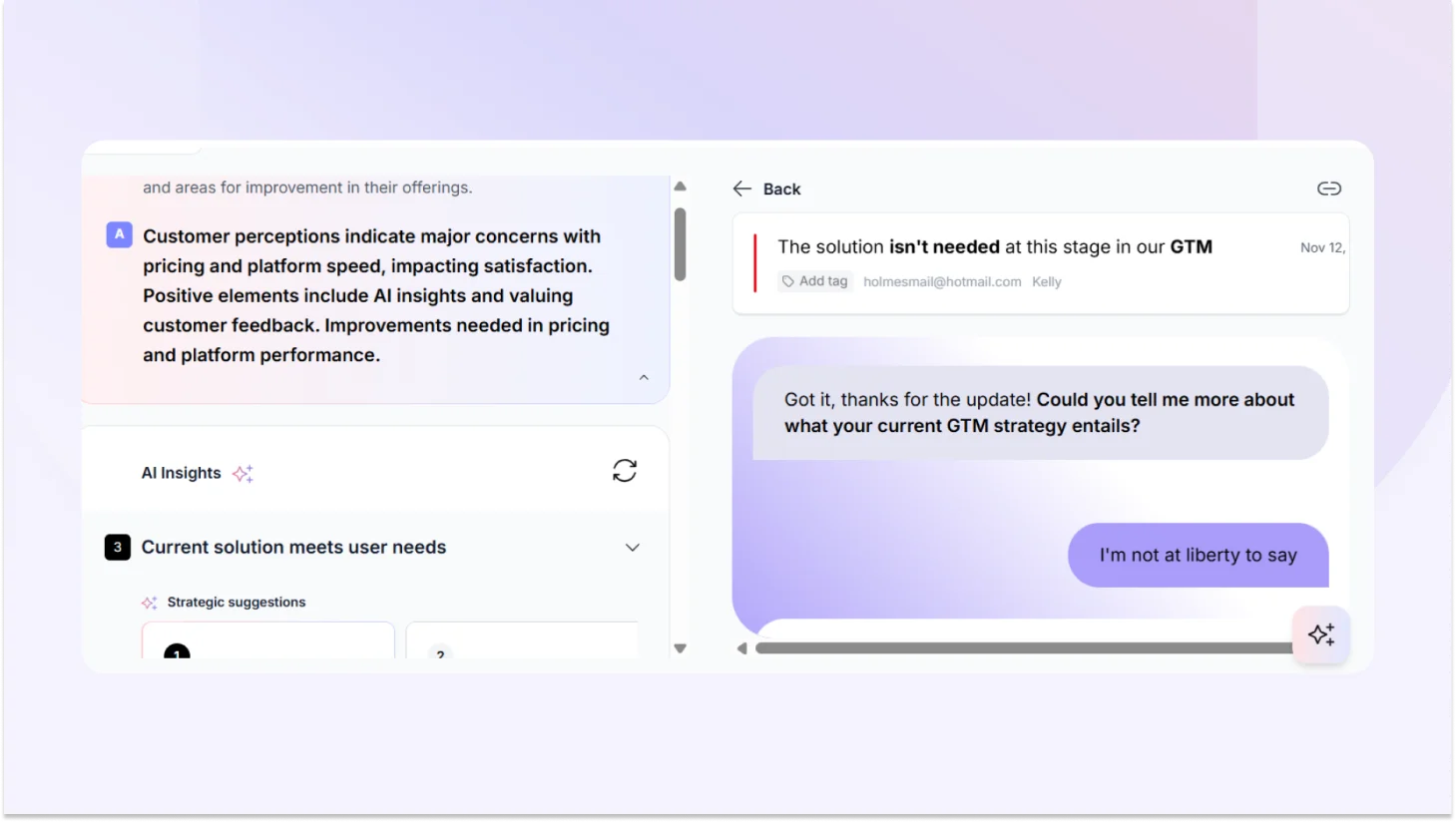
AI-powered user testing platforms can ask contextual follow-up questions mid-session, probing responses the way a human moderator would, in real time, at any scale.If a participant says, "This is confusing," the AI asks: "What specifically feels confusing?" or "What would you expect to happen instead?" It doesn't just collect the first answer and move on.This is genuinely one of the most significant recent developments in UX research automation. Unmoderated testing was used to produce shallow data because there was nobody to dig deeper. AI follow-ups change that calculus. The quality gap between moderated and unmoderated sessions is closing faster than most people realize.
Can ChatGPT do user testing?
ChatGPT can simulate what it thinks a user might say, but that's not user testing.
It has no lived experience with your product, no emotional stakes, and no behavioral patterns rooted in actual use. It's trained on existing text data, which means it gives you back a statistically averaged version of opinions that already exist, not genuine reactions to your specific design.
ChatGPT is genuinely useful for generating research questions, drafting screeners, or pressure-testing a discussion guide. It is not a substitute for watching a real person try to accomplish a real goal in your product and fail in ways you didn't predict.
When is AI user testing the right call?
You're drowning in data and have no time to read all of it. If you're running continuous discovery, processing survey responses at scale, or synthesizing multiple rounds of testing in parallel, AI isn't optional; it's necessary. Research shows AI cuts qualitative analysis time by up to 80%. That's not a marginal improvement.
You need findings before Friday, and it's Wednesday. AI-moderated unmoderated sessions can be set up and running in hours. You don't need to recruit, schedule, and moderate. You get responses back fast enough to influence decisions that are actually still in flight.
You want to test with 50 people, not 5. Running a study with 50 or 100 participants instead of 8 gives you a signal that small samples genuinely can't. AI makes large-sample qualitative research economically viable for the first time. That matters if you've ever shipped a feature that tested well with 5 people and bombed with everyone else.
You want research to be continuous, not episodic. Most teams test in sprints a study every quarter, or before a big launch. AI makes it possible to build ongoing feedback loops into your product itself, so you're always learning, not just learning when you planned to.
When not to use AI in user testing?
For sensitive or emotionally charged research. Healthcare experiences. Financial stress. Mental health tools. Accessibility research. Anything where a participant's vulnerability is part of the context. People share differently when they feel heard by a person. AI moderation can feel cold in situations where warmth is what makes honesty possible.
When you need regulatory-grade documentation. Medical devices, financial products, accessibility compliance, and some research contexts require documented human methodology. AI-assisted research may not meet the evidentiary bar in these situations.
What are synthetic users, and can they replace real participants?
Synthetic users are AI-generated personas that simulate user responses based on training data. They're useful for early-stage hypothesis generation. They cannot replace real participants for validated research.
This is the most actively debated topic in AI user research right now. And honestly? The debate is a bit overblown. Synthetic users aren't magic, and they aren't useless. They're a specific tool for a specific job, and most of the controversy comes from teams using them for the wrong job.
What are synthetic users?
Synthetic users are AI personas built from large language models, sometimes supplemented with behavioral or demographic data, that can be "interviewed" or surveyed as if they were real participants. You ask them questions. They respond. They can be configured for different demographics, experience levels, and roles.
The appeal is obvious: no recruiting, no scheduling, no incentives, instant responses, infinite scale.
When are synthetic users actually useful?
Sharpening your research questions before you recruit: Running your discussion guide through a synthetic user first can help you spot leading questions, gaps, and clarity issues before you're sitting across from a real participant.
Early hypothesis generation: Before spending budget on real recruitment, synthetic users can help you gut-check whether your hypotheses are even worth testing. Stress-testing a prototype's most obvious problems: not for validated findings, but to catch embarrassing issues before real users see them.
When recruitment is genuinely prohibitive: Hard-to-reach populations, tight timelines, global markets where recruitment infrastructure doesn't exist, yet synthetic users can provide a directional signal while you work on the real thing.
Where synthetic users fall short?
Nearly half of researchers (48%) see synthetic users and AI participants as an impactful trend for 2026, but many express significant skepticism about whether they can replace real user research. That skepticism is well-founded. Synthetic users give responses based on the averaged training data. They represent a statistical median, and almost nobody actually sits at that median. They can't replicate the participant who goes completely off-script. They can't produce the unexpected use case nobody anticipated. They can't generate the emotional reaction that reframes your entire research question. Real users complain in ways that don't fit your categories. They misunderstand things in ways no training dataset could predict. They surprise you. That's not a flaw in real research; that's the whole point of it.
How much does AI user testing cost, and what's the ROI?
Direct answer: AI user testing costs a fraction of traditional research per insight, primarily because it compresses analysis time from days to hours. The savings aren't mainly in recruitment; they're in researcher time.
The traditional research cost breakdown
A typical moderated usability study with 8 participants involves: recruiting costs ($50–$150 per participant), researcher time for screener creation, scheduling, and moderation (45–60 minutes per session), note-taking, synthesis (3–5 hours for 8 sessions), and reporting. All in, a single study often runs $3,000–$8,000 in time and direct costs — and takes 2–3 weeks.
The AI-assisted research cost breakdown
With AI tools handling transcription, tagging, and initial synthesis, that same 8-session study can be compressed to a fraction of the time. The synthesis that took 3–5 hours takes 30–60 minutes. Highlight reels that took an afternoon are generated automatically.
For larger-scale studies, 50–100 participant unmoderated sessions with AI analysis the cost per insight drops dramatically compared to traditional methods. You get more data, faster, with less researcher time per finding.
What are the limitations of AI user testing?
The bias problem: AI synthesis tools learn from existing data. That data reflects existing biases in who participated in the studies that trained the model, in what communication styles get labeled "positive" or "negative," and in what counts as "typical" behavior.
The prompt dependency problem: Garbage in, garbage out. If you tell an AI tool "find themes related to ease of use," it will find them even if the more honest finding is that ease of use wasn't what participants cared about at all. AI follows the frame you give it.
As one UserTesting research strategist put it: "As researchers, we're quick to say, 'This isn't working,' if we don't get the result we expect. But maybe it's not the tool, it's how we're using it." That's true, and also a convenient framing that lets tools off the hook a little too easily. The real answer: prompt quality matters enormously, and vague prompts produce confident-looking nonsense.
The data privacy risk: Your session recordings, transcripts, and participant responses may be stored on third-party servers and, in some cases, used to train the model. Always check the data processing agreement of any tool you use. Make sure your participant consent forms cover how their data will be processed downstream.
What are the best AI user testing tools in 2026?
The right tool depends on which part of your research process is the actual problem. Here's how to think about the landscape not as a generic ranking, but as a decision framework.
TheySaid: The most advanced AI-powered conversational research platform. Unlike its competitors, TheySaid uses AI to conduct real two-way conversations with users, automatically ask follow-up questions, and surface deep qualitative insights all without needing a human moderator. It's faster, smarter, and more scalable than anything else on the market.
Maze.co: Good for rapid prototype testing and quantitative metrics, but lacks deep AI capabilities. Feedback stays surface-level with no intelligent follow-ups.
UserTesting.com : A well-known platform with a large participant panel, but relies heavily on human reviewers and manual analysis. AI features are bolted on rather than built in.
Outset.ai: A newer conversational research tool with some AI capabilities, but still limited in how deeply the AI can probe responses and generate actionable insights compared to TheySaid.
Comparison of top AI user testing tools
AI bias in user testing: What it is and how to prevent it?
This is the thing most AI tool vendors skip entirely nd it matters more than most teams realize.
AI user testing tools can inherit and amplify bias from training data, from researcher prompts, and from the populations the models know best. You can run a technically perfect AI-assisted study and come out with findings that confidently misrepresent your actual users because the AI was doing exactly what it was designed to do, on data that didn't represent your users in the first place.
How AI inherits bias from training data
Most AI models are trained on data that skews toward English-speaking, Western, educated, and digitally fluent users. When you use those models to analyze research from users who don't fit that profile, older users, users in non-Western markets, users with disabilities, users with low digital literacy, the model may misinterpret their responses or underweight their concerns.
How researcher prompts amplify the problem
If you prompt an AI tool to 'find themes related to ease of use,' it will find them even if the more honest finding is that ease of use wasn't what participants cared about. This isn't the AI's failure. It's doing exactly what you told it to. Leading prompts produce leading findings, and AI gives those findings the veneer of objectivity.
Practical Bias Prevention Checklist
- Before running AI analysis on any study, ask yourself: Are my prompts open-ended? 'What are the main themes across these responses?' is better than 'What did users find easy?'
- Is my participant pool representative of my actual users? AI can't fix a biased sample; it will make a biased sample look more convincing.
- Am I reading source material? Spot-check every AI theme cluster against raw responses.
- Does this finding surprise me? If AI only confirms what you already believe, run the analysis again with a different prompt.
- What population was this model trained on? If your users differ significantly, treat AI output as directional, not definitive.
Continuous Discovery: The research model AI makes possible
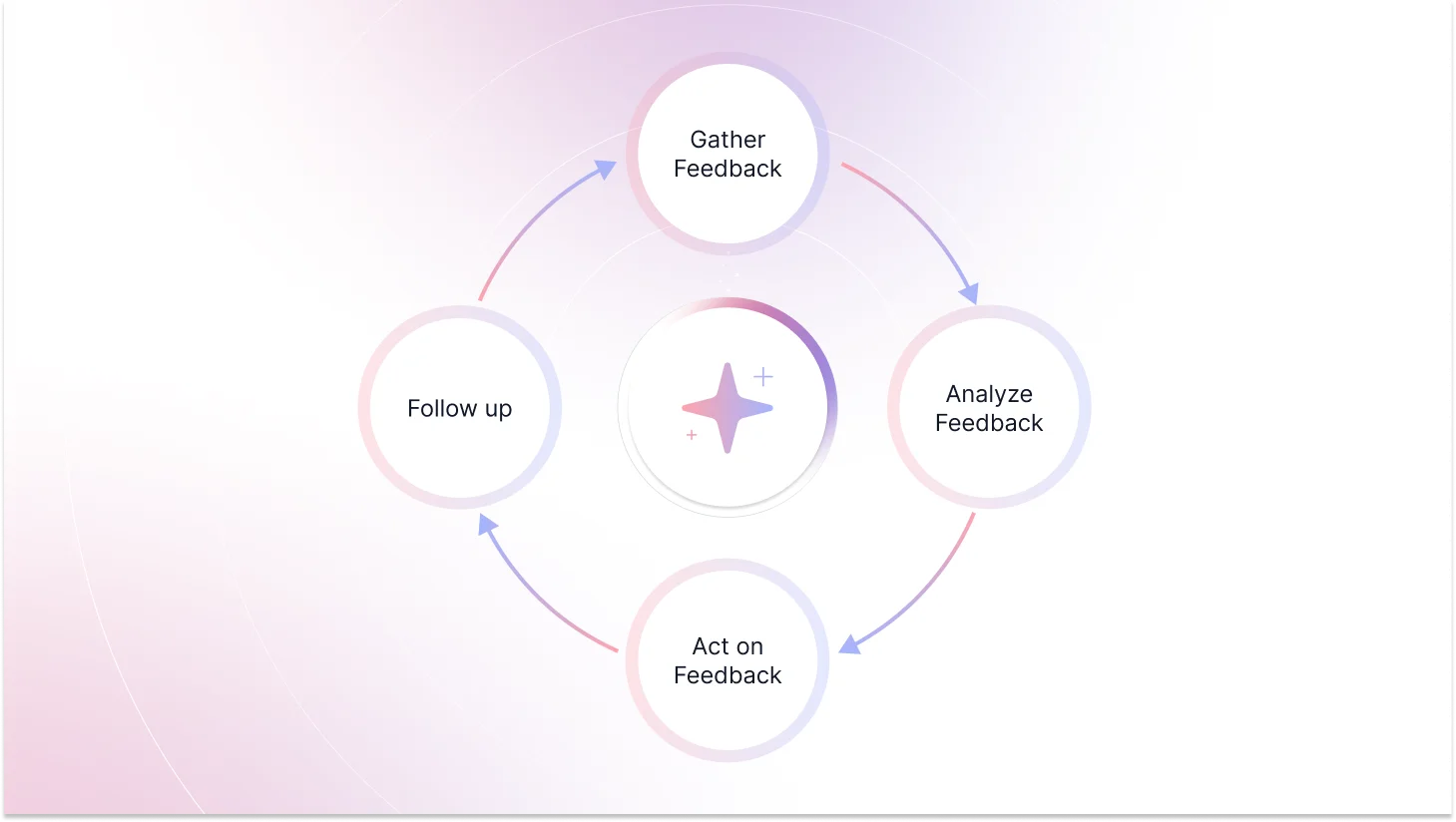
Most teams still treat user testing as an event. You plan it, run it, report on it, then move on. AI is making that model obsolete, not by improving the event, but by replacing the model entirely.
Continuous discovery means building ongoing feedback loops into your product so you're always learning, not just when you've scheduled a study. Instead of a quarterly research project to understand friction in your payment flow, you embed lightweight feedback triggers at key moments in the product.
AI collects, synthesizes, and surfaces findings continuously. Research becomes a live signal, not a quarterly report. The teams getting this right aren't doing more research. They're doing different research faster, lighter, and always connected to decisions that are actually still in flight.
Tools like TheySaid are built specifically for this model, turning continuous customer feedback into structured, actionable insight without requiring a researcher to manually synthesize it every week.
Ship smarter and faster with AI user testing
The teams winning in 2026 are not doing more research; they are doing smarter research. Always on. Always connected to decisions that matter. Powered by AI that actually understands what your users are telling you.
TheySaid is the AI user testing platform built for exactly this. Instead of waiting weeks for research results, TheySaid runs real two-way AI conversations with your users automatically asking follow-up questions, digging deeper into responses, and surfacing actionable insights.
You get more signal, faster turnaround, and a fraction of the cost of traditional research. Whether you are testing a new feature, validating a concept, or building continuous discovery into your product, TheySaid makes it possible at any scale.
Try TheySaid free and start shipping smarter today.